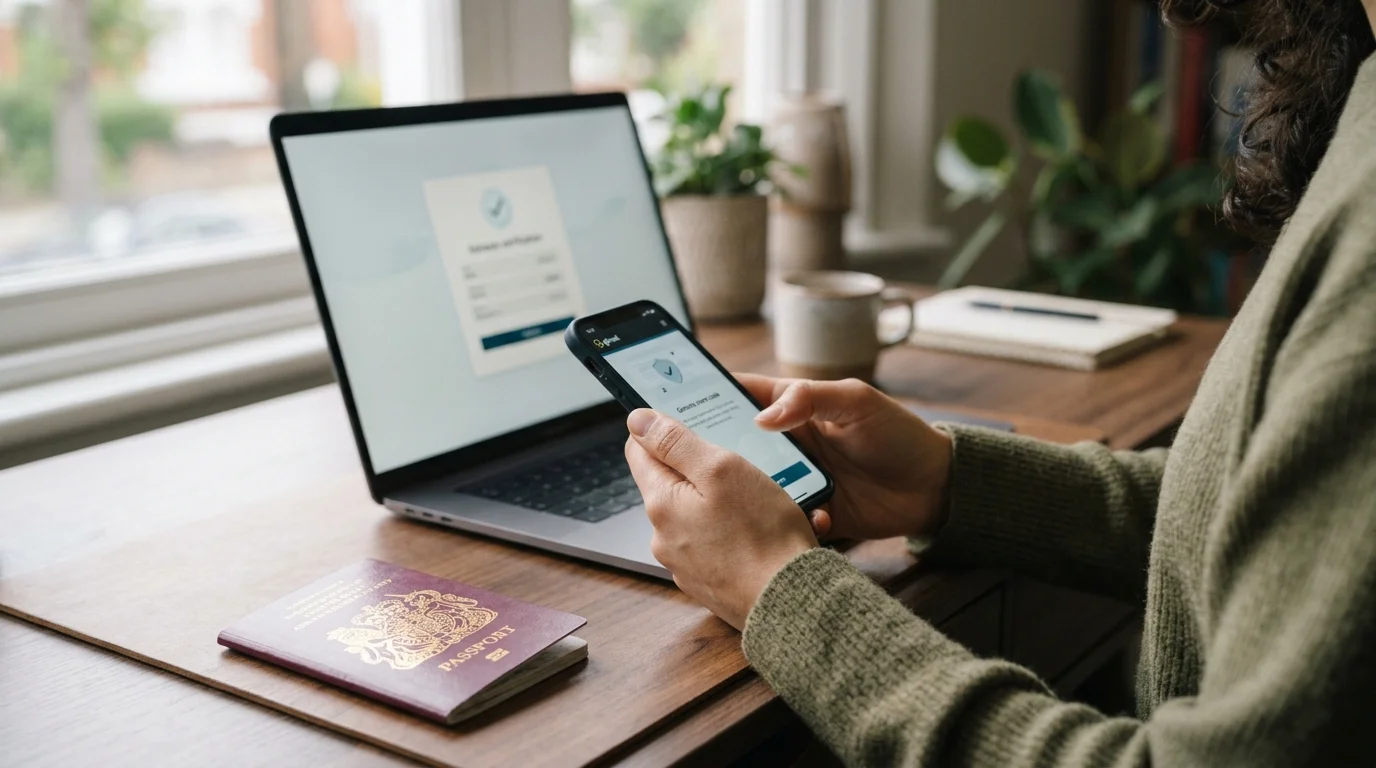
If you want to check immigration status UK records, your UKVI account is usually the starting point. It lets you view your eVisa and confirm the rights attached to your permission. You can also create a share code when another person or organisation needs proof.
Checking an existing status is different from tracking a visa application awaiting a decision. UKVI normally tells applicants about decisions by email or letter. There is no single public tracker showing every pending UK visa application in real time.
UK Immigration Status: Key Information
| What you need | What to know |
|---|---|
| Main online record | Your eVisa in your UKVI account |
| What an eVisa shows | Your identity, immigration permission and relevant conditions |
| Sign-in details | Identity document details and access to your registered email or phone |
| Share code validity | 90 days |
| Common uses | Work, renting, education, benefits and other status checks |
| Pending applications | Decisions are normally communicated by UKVI |
| Expired BRP | BRPs can no longer be used for travel |
| Incorrect eVisa details | Report the error to UKVI through GOV.UK |
Direct answer: You can check your UK immigration record by signing into your UKVI account and viewing your eVisa. Your eVisa shows your permission and associated rights. If another organisation needs evidence, you can create a share code for the appropriate purpose.
How to Check Immigration Status UK Online
The UK immigration system now relies heavily on digital records called eVisas. Your eVisa is linked to a UK Visas and Immigration account. You should use official GOV.UK services rather than unofficial status-checking websites.
Follow these steps to view your record:
- Go to the official GOV.UK service for viewing your eVisa.
- Choose the option to sign into your UKVI account.
- Enter the identity-document details connected with your account.
- Confirm your date of birth when requested.
- Use the security code sent to your registered email address or mobile number.
- Review your eVisa details and the rights shown on your account.
You may sign in using details connected with your passport or another accepted identity document. Some accounts can also use a UKVI customer number. Access to your registered email address or phone is normally needed for security verification.
Once signed in, carefully check your personal information and immigration permission. Confirm that your name, status and important dates are correct. You should also check that your current passport is linked before international travel.
What Does an eVisa Show?
An eVisa is a digital record of your identity and permission to remain in the United Kingdom. It can also show conditions connected with your permission. These conditions may affect work, renting or access to particular services.
The document is accessed online rather than stored on a physical residence permit. You need a UKVI account to view the digital record. Successful visa applicants are normally given instructions explaining how to access it.
This digital system is especially important because biometric residence permits have now expired. A BRP can no longer be used as your travel document proving permission to enter Britain. Travellers should instead make sure their eVisa and current passport details are connected correctly.
What Is a UK Immigration Share Code?

A share code lets another person check selected details about your permission online. You create the code through your UKVI account after viewing your eVisa. The code is designed to reveal information relevant to the reason you selected.
For example, an employer may need evidence about your right to work. A landlord in England may need a right-to-rent check instead. Other organisations can sometimes request general proof of identity or immigration permission.
UKVI share codes are valid for 90 days under current GOV.UK guidance. You can use a valid code more than once during that period. You can also create another code when the previous one expires.
The person checking your details will normally need your date of birth as well. Giving someone a share code does not provide access to your complete UKVI account. They can view only the information made available through that checking process.
Checking Your Right to Work
Employers often need to confirm whether a prospective employee has permission to work in Britain. Your UKVI account can generate the correct share code for this purpose. Employers then use the appropriate government checking service.
Choose the right-to-work option when generating your code. A code created for another purpose may not provide the information an employer requires. Checking the reason before creating the code can prevent unnecessary delays.
If digital proof cannot be produced, employers may sometimes use the Home Office Employer Checking Service. This applies only in specified circumstances. Employers should follow current Home Office guidance when deciding which checking method applies.
People researching employment after moving to Britain may also find Wrytra’s UK careers content useful. Employment rights and immigration permission remain separate issues. Always confirm your own working conditions through your official eVisa record.
Checking Your Right to Rent
Landlords and letting agents in England may need evidence that a prospective tenant has the right to rent. Eligible people can generate a right-to-rent share code through the government service. The landlord uses that code with the tenant’s date of birth.
Right-to-rent requirements are not identical throughout every UK nation. The specific statutory checking scheme applies to residential property in England. Anyone uncertain about their circumstances should check the latest official guidance.
People planning a move to the capital can separately research Wrytra’s guide to places to live in London. Housing research does not replace a formal right-to-rent check. Your UKVI record remains the authoritative source for your personal permission.
Can You Check a Pending UK Visa Application Online?
Checking an existing eVisa is not the same as checking a visa application awaiting a decision. Applicants usually receive an email or letter when UKVI reaches a decision. The message explains what happens next.
Processing begins after required application steps have been completed. These usually include submitting the application, providing biometrics and supplying required evidence. Processing times vary according to the visa route and circumstances.
You can check the government’s published processing-time guidance while your case is pending. Treat those times as guidance rather than a live case tracker. UKVI may contact you if further documents or information are required.
Avoid websites claiming they can reveal an unpublished Home Office decision using basic personal details. Use GOV.UK and communications received directly from UKVI. Sensitive reference numbers and account credentials should not be entered into unknown third-party services.
What If You Cannot Access Your UKVI Account?
Start by checking whether you are using the identity document connected with your account. You should also confirm access to the registered telephone number or email address. Updated account details may need to be used instead of older information.
UKVI provides account-recovery support for people who cannot sign in. There are also specific reporting routes for problems with an eVisa. Use these official channels rather than repeatedly creating new accounts.
An eVisa can sometimes take up to 24 hours to become visible after being linked. If it remains unavailable after that period, further action may be needed. Technical errors can also be reported through the official eVisa service.
What If Your eVisa Shows the Wrong Details?
Report incorrect information if your digital record contains an error. Examples include an incorrect date of birth or the wrong immigration permission. You should also report problems that prevent you from generating a share code.
Do not ignore an incorrect record because it may affect later checks. Employers, landlords or carriers can rely on information provided through digital systems. Correcting errors early reduces the risk of problems when proof is urgently required.
Keep copies of relevant decision letters or emails while an issue is being resolved. They can help explain the history of your permission when contacting UKVI. Never alter documents yourself to make them match an incorrect digital record.
Check Your Status Before Travelling
Before travelling, confirm that your UKVI account contains your current passport or travel-document information. The personal details should match the information supplied to your airline or other carrier. A mismatch can cause problems with automated checks.
Your eVisa may be checked when travelling to or from the United Kingdom. Carriers can often verify digital permission automatically when your account details are correct. You should still carry the valid passport or travel document linked to your account.
UKVI also advises travellers to consider creating a travel share code before departure. A share code remains valid for 90 days under current rules. Having one available may help if a carrier cannot verify your status automatically.
Travel insurance is a separate issue from immigration permission. Wrytra’s travel insurance coverage guide can help readers understand common insurance considerations. Insurance documents cannot replace proof of permission to enter or remain in Britain.
eVisa and ETA Are Not the Same Thing
An eVisa records immigration permission already granted to a person. An Electronic Travel Authorisation, or ETA, is different. An ETA can permit eligible non-visa nationals to travel to the UK for qualifying purposes.
Having an ETA does not mean you hold the same status as an eVisa holder. Likewise, someone with an eVisa does not normally need an ETA for that permission. Check the official government rules applying to your nationality and travel purpose.
This distinction matters when searching for an online status check. The service you need depends on what type of permission you hold. Using the wrong service can create unnecessary confusion.
How to Keep Your UKVI Details Accurate
Review your UKVI account whenever an important personal detail changes. This is especially important after receiving a new passport. Your travel document should be linked correctly before your next journey.
You may also need to update changes involving your name, nationality or contact details. Keeping your email address and telephone number current protects access to the account. Accurate information also helps organisations verify your permission more easily.
Check your eVisa again before starting a new job, renting property or travelling abroad. These moments often require proof at short notice. Early checks give you more time to resolve technical problems.
Frequently Asked Questions
How can I check immigration status UK records online?
Sign into your UKVI account and open your eVisa through the official GOV.UK service. The digital record shows your immigration permission and relevant conditions. Use official government services whenever checking sensitive immigration information.
Can I check my UK visa application with my passport number?
There is no universal public tracker that displays every pending UK visa decision using only a passport number. UKVI normally sends the decision through the contact method connected with your application. Published processing times can indicate how long your visa category normally takes.
How long does a UK immigration share code last?
A share code currently lasts for 90 days. It can be used more than once while it remains valid. You can generate a new code whenever another valid code is required.
Can someone else check my immigration status?
Another person can check selected information if you provide the appropriate share code and your date of birth. The information shown depends on the purpose selected when creating the code. The checker does not receive access to your full UKVI account.
What should I do if my immigration status is wrong?
Use the official GOV.UK reporting service when your eVisa contains incorrect information. You can also report certain technical problems involving share codes or account access. Keep relevant Home Office correspondence available while the issue is investigated.
Can I still travel using an expired BRP?
BRPs have expired and are no longer accepted as proof for travel under current guidance. Travellers should make sure their eVisa is linked to their current passport or travel document. Check your UKVI account before leaving for the airport.
Final Checklist Before You Rely on Your Status
Checking your record takes only a few steps, but accuracy matters. Confirm your eVisa, passport details and contact information before you need to prove anything. Generate the correct share code for the purpose involved.
For the safest check immigration status UK process, always start with GOV.UK and your UKVI account. Contact UKVI when your record is incorrect or inaccessible. Avoid giving immigration credentials or reference numbers to unknown websites.
If you are preparing for work, renting or travel, complete your digital status check early. That gives you time to correct mismatched details before they become urgent. Keep important decision correspondence for your own records.