A modern desktop computer is only as powerful as its components, and understanding how they work together is essential for achieving optimal performance. From processing speed and graphics capabilities to memory and storage, each part inside a PC tower plays a critical role in how efficiently the system runs.
Whether you are building a new setup, upgrading existing hardware, or simply learning how computers work, having a clear understanding of these components helps you make smarter decisions and avoid costly mistakes.
It also allows you to balance performance and budget more effectively, ensuring you invest in the right parts for your needs. A well-optimized system not only runs faster but also lasts longer with fewer issues.
| Component | Primary Function | Importance Level | Key Benefits | Typical Use Cases |
| CPU (Processor) | Executes instructions and processes data | Very High | Fast performance, multitasking | Gaming, productivity, software |
| GPU (Graphics Card) | Renders images, videos, and graphics | Very High | Smooth visuals, high FPS | Gaming, 3D design, video editing |
| RAM (Memory) | Temporary data storage for active tasks | High | Faster load times, smooth multitasking | Running apps, gaming |
| Motherboard | Connects all components | Critical | System communication, compatibility | All PC operations |
| Storage (SSD/HDD) | Stores data permanently | High | Fast boot (SSD), large capacity (HDD) | OS, files, applications |
| Power Supply Unit (PSU) | Supplies power to components | Critical | Stable performance, hardware protection | Entire system |
| Cooling System | Regulates temperature | High | Prevents overheating, improves lifespan | Gaming, heavy workloads |
| PC Case (Tower) | Houses and protects components | Medium | Airflow, durability, organization | All builds |
| Operating System | Manages software and hardware interaction | Critical | User interface, system control | Windows, Linux, macOS |
| Network Card | Enables internet connectivity | Medium | Online access, networking | Browsing, gaming |
| Sound Card | Processes audio output | Optional | Improved sound quality | Music, editing |
| Expansion Slots | Allow future upgrades | Medium | Flexibility, scalability | Adding GPUs, cards |
What Is a PC Tower?
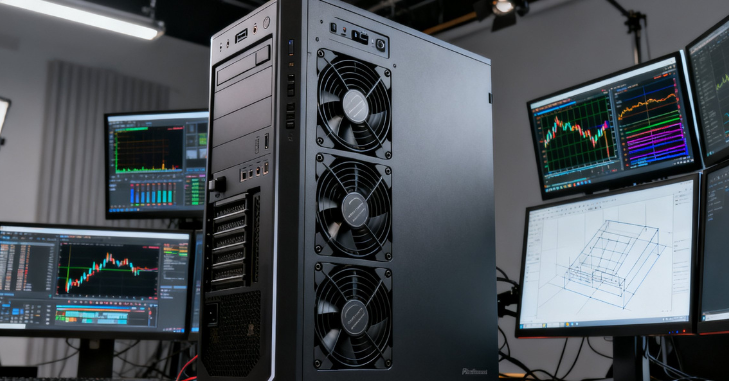
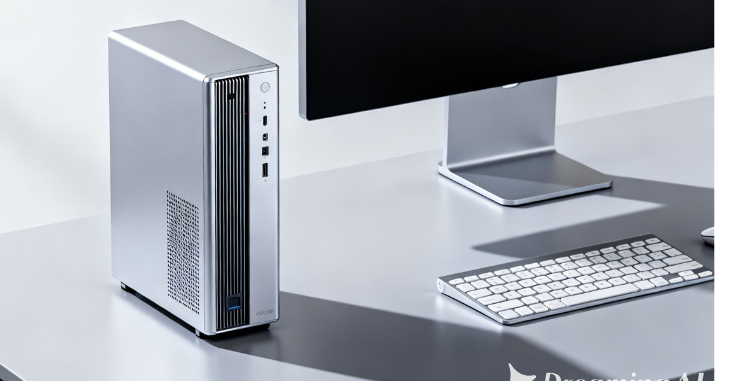
A PC tower is the main case that houses a desktop computer’s internal hardware components. It is not just a shell; it provides structure, cooling support, airflow management, and protection for sensitive electronics. Inside every PC tower, you will find components that control processing power, graphics, memory, storage, and system stability.
CPU: The Brain of the PC
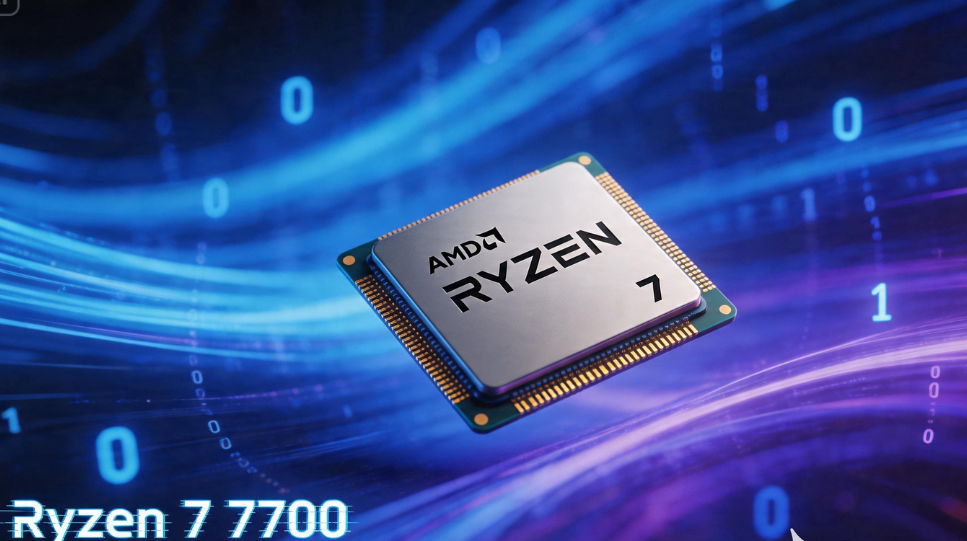
The CPU (Central Processing Unit) is the most important component in any tower. It handles instructions, calculations, and system operations.
Why CPU Matters in a PC Tower Components Breakdown?
A powerful CPU ensures smooth multitasking and faster performance across applications.
Key responsibilities include:
- Running operating system tasks
- Handling software instructions
- Managing background processes
- Supporting gaming and productivity apps
Modern CPUs feature multiple cores and threads, improving efficiency for demanding workloads such as video editing or gaming.
GPU: Power Behind Visual Performance
The GPU (Graphics Processing Unit) is responsible for rendering images, videos, and animations, making it one of the most important components in a PC, especially for gaming and creative workloads.
A powerful GPU significantly enhances overall system performance by improving gaming frame rates, speeding up 3D rendering, boosting video editing efficiency, and enabling advanced tasks such as AI and machine learning.
Without a capable GPU, even a high-performance CPU cannot deliver smooth or visually rich experiences, as graphics processing becomes a major bottleneck in demanding applications.
RAM: Short-Term Memory
RAM (Random Access Memory) temporarily stores data that your system is actively using.
Importance of RAM in PC Tower Components Breakdown
More RAM allows your system to:
- Run multiple applications at once
- Load programs faster
- Improve gaming stability
- Reduce lag during multitasking
For modern use, 16GB RAM is considered standard, while 32GB is ideal for heavy workloads.
PC Tower Components Breakdown Table
| Component | Function | Importance Level | Typical Use |
| CPU | Processes all instructions | Very High | Gaming, productivity |
| GPU | Handles graphics rendering | Very High | Gaming, design, editing |
| RAM | Temporary memory storage | High | Multitasking |
| Motherboard | Connects all components | Critical | System backbone |
| Storage (SSD/HDD) | Saves data permanently | High | Files, OS, apps |
| Power Supply Unit (PSU) | Supplies electricity | Critical | System stability |
| Cooling System | Manages temperature | High | Prevent overheating |
| PC Case (Tower) | Houses components | Medium | Protection & airflow |
| Operating System | Controls the software environment | Critical | Windows/Linux/macOS |
| Network Card | Internet connectivity | Medium | Online access |
| Sound Card | Audio processing | Optional | Audio enhancement |
| Expansion Slots | Future upgrades | Medium | Upgradability |
Motherboard: The Central Hub of the PC Tower
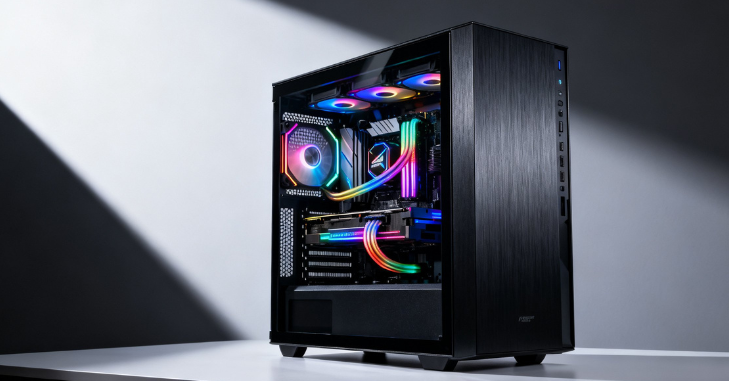
The motherboard connects all internal components, enabling communication between the CPU, RAM, GPU, and storage.
Why It Matters in PC Tower Components Breakdown?
Without a motherboard:
- Components cannot interact
- The system cannot boot
- No data flow between hardware
It determines compatibility and upgrade potential.
Storage: SSD vs HDD in PC Tower Systems
Storage is where all files, software, and operating system data are kept permanently.
Types of Storage
- SSD (Solid State Drive): Fast, modern, and reliable
- HDD (Hard Disk Drive): Larger storage, slower speed
Why Storage Matters
A fast SSD can drastically reduce:
- Boot time
- Game loading time
- Software launch delays
Power Supply Unit (PSU)
The PSU (Power Supply Unit) delivers electricity to every component inside the PC tower, making it a critical part of system stability and performance. A reliable PSU ensures system safety, maintains consistent performance, and protects components from power surges or electrical issues.
Cooling System
Cooling systems prevent overheating by managing internal temperature.
Types of Cooling
Air cooling (fans) and liquid cooling systems are the two primary methods for managing heat inside a PC tower. Air cooling relies on fans and heatsinks to dissipate heat, while liquid cooling uses coolant and radiators for more efficient temperature control.
Why Cooling Is Essential
Without proper cooling, CPU performance can drop due to thermal throttling, the GPU can overheat during intensive tasks, and the entire system may shut down unexpectedly to prevent hardware damage.
Operating System
The operating system manages the interaction between hardware and software, making it a fundamental part of any PC tower. Popular options include Windows, Linux, and macOS (for Apple systems only). It provides the interface that allows users to control the system, run applications, and interact with hardware efficiently.
Sound Card: Enhancing Audio Performance
Although many motherboards include built-in audio, dedicated sound cards improve quality.
Benefits
- Better sound clarity
- Reduced noise interference
- Professional audio editing support
How All PC Tower Components Work Together?
Every component in a PC tower plays a role in system performance. The CPU processes data, the GPU handles visuals, RAM manages temporary memory, and storage saves everything permanently.
Meanwhile:
- The motherboard connects everything
- The PSU powers the system
- Cooling ensures stability
- The case protects hardware
When balanced properly, these parts create a powerful and efficient system.
Common Mistakes in PC Tower Builds
Many beginners make errors, such as:
- Buying an overpowered GPU with a weak CPU
- Using an insufficient power supply
- Ignoring cooling requirements
- Choosing incompatible motherboard sockets
Avoiding these mistakes ensures long-term system stability.
Conclusion
A PC is not defined by a single powerful component; instead, it functions as a fully integrated system where every part plays a crucial role in overall performance and stability.
From CPU and GPU performance to cooling, storage, and power supply, each part contributes to the overall experience. Understanding how a PC tower works helps you build smarter, upgrade wisely, and maximize performance without wasting money.
Want to know about Ryzen 7 7700: All About Key Specifications, Performance, Gaming Performance, Productivity and Multitasking Capabilities, Power Efficiency and Thermal Performance, And Much More Check out our Tech category.
FAQs
A full tower is larger, supports more components, offers better cooling, and is better suited to advanced builds, while a mid tower is more compact and suitable for most users.
The cost varies depending on components. A basic setup can start around €400–€600, while high-end gaming PC towers can exceed €2000.
Not always. If your CPU has integrated graphics, you can run basic tasks without a GPU. However, a dedicated GPU is essential for gaming and heavy graphics work.
A good airflow setup includes front intake fans, rear exhaust fans, and proper cable management to ensure smooth air circulation.